
URL Encoder / Decoder
The Ultimate Guide to URL Encoders/Decoders: Mastering Web Data Safety and Link Optimization
Have you ever looked carefully at your browser’s address bar after doing a quick search, and found that it’s a long, jumbled string of characters filled with percent signs, numbers, and random letters? What should have been a web address looked encrypted secret code?. This change is not a bug;
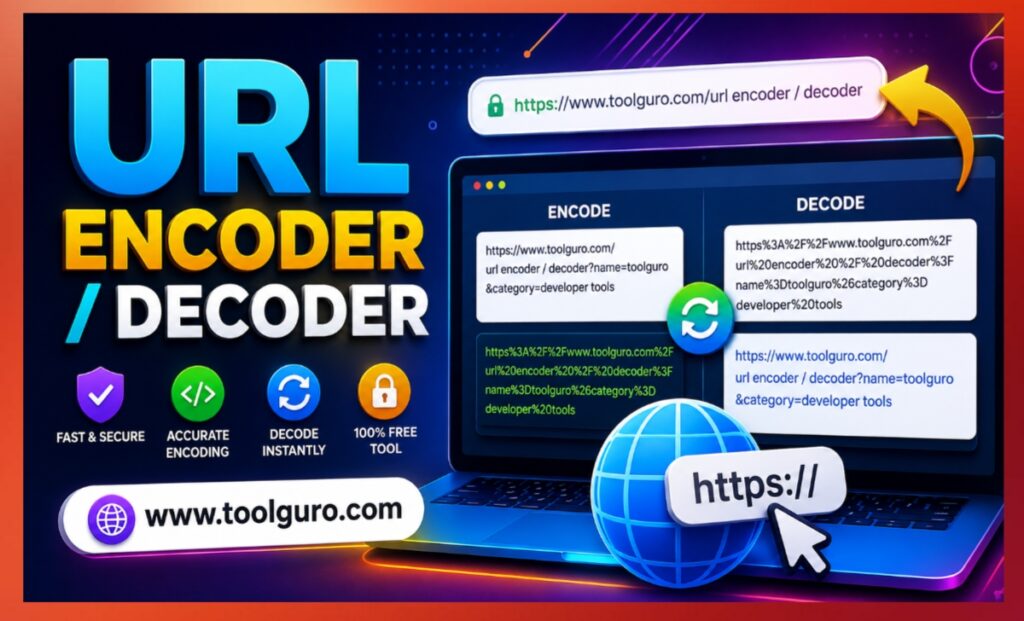
This is a necessary process known as percent-encoding, which is made possible by a URL encoder/decoder. In our interconnected digital ecosystem, understanding how a URL encoder/decoder works is essential for web developers, search engine optimization (SEO) specialists, and everyday Internet users.
Using tools like the Web Master Digital Pro Toolkit at https://toolguro.com/ ensures that your web addresses work across all networks, are human-readable, and are structurally valid.
What is URL encoding and decoding?
To understand why URL encoders/decoders are so important to modern web applications, we first need to understand the structural rules governing Uniform Resource Locators (URLs).
Web link structure
The Internet relies on the RFC 3986 specification, a global standard that defines what characters are allowed within web links. The character set is mainly divided into two main categories:
- Reserved Characters: Characters that have a structural purpose within the link itself. Examples include
:,/,?,#,[,],@,!,$,&,',(,),*,+,,,;, and=. For instance, the?character signals the beginning of a query string, while&separates individual parameters. - Unreserved Characters: Characters that carry no structural meaning and can be used freely. This includes all uppercase and lowercase letters (A–Z, a–z), decimal digits (0–9), hyphens (
-), underscores (_), periods (.), and tildes (~).
Why do the links break?
When you pass space characters, non-English symbols (such as accented characters, the Cyrillic alphabet, or emoji), or use a reserved character outside its intended architectural purpose, the web server gets confused.
For example, if you have a search query variable that contains an ampersand (e.g., books and magazines), the server reads & as the separator for an entirely new variable instead of the text inside the existing parameter. To prevent this formatting breakdown, links must be encoded.
How percent-encoding actually works
An online URL encoder/decoder that does the mechanical translation is both beautiful and easy. It relies on converting unauthorized or contextually dangerous characters into their hexadecimal equivalents using the ASCII character chart, preceded by a percentage sign (%).

Step-by-step translation
Character recognition: The encoder recognizes characters that are invalid or reserved (such as spaces).
ASCII conversion: The character is mapped to its numeric ASCII code value. For example free space is represented by the decimal no. 32.
Hexadecimal mapping: Decimal values are translated to base-16 (hexadecimal). This number 32 becomes 20 in hexadecimal format.
Percent assembly: A percent symbol is placed directly in front of the pair, converting a standard space into %20.
Common encoding conversion
To give you a clear understanding of how characters change behind the scenes, take a look at this quick reference table detailing standard character translations:
| Original Character | Description / Named Meaning | Encoded Hexadecimal Value |
| (Space) | Blank space parameter separator | %20 or sometimes + |
$ | Dollar sign character | %24 |
& | Ampersand parameter junction | %26 |
+ | Plus sign indicator | %2B |
, | Comma separator | %2C |
/ | Forward slash path divider | %2F |
: | Colon scheme marker | %3A |
; | Semicolon delimiter | %3B |
= | Equals assignment operator | %3D |
? | Question mark query indicator | %3F |
@ | At symbol credential target | %40 |
URL Encoder / Decoder
Convert text to percent-encoded URL format, or decode encoded URLs back to readable text.
| Character | Encoded | Description |
|---|---|---|
| Space | %20 | Whitespace character |
| ! | %21 | Exclamation mark |
| # | %23 | Hash / fragment indicator |
| $ | %24 | Dollar sign |
| & | %26 | Query param separator |
| ‘ | %27 | Single quote |
| ( | %28 | Open parenthesis |
| ) | %29 | Close parenthesis |
| + | %2B | Plus sign |
| , | %2C | Comma |
| / | %2F | Path separator |
| : | %3A | Colon |
| ; | %3B | Semicolon |
| = | %3D | Equals sign |
| ? | %3F | Query string start |
| @ | %40 | At sign |
| [ | %5B | Open bracket |
| ] | %5D | Close bracket |
Key Benefits of Using a URL Encoder/Decoder
Although background systems handle translation automatically to some extent, using a dedicated component in the Web Master Digital Pro Toolkit offers significant data management benefits.
Ensuring Cross-Browser Compatibility
Not all web browsers process unencoded links the same way. Modern desktop browsers may automatically parse spaces or emojis, while older legacy browsers or mobile web-views may remove the characters entirely, resulting in annoying 404 error pages for your visitors. Encoding ensures complete consistency.
Securing Web Data Transmission
When web forms send user input (such as email addresses, passwords, or search terms) back to the database via a GET request, those inputs are added directly to the browser link. Encoding eliminates execution the risks preventing attackers from entering incorrect browser commands or breaking form structures.
Optimizing International SEO (Local SEO Strings)
If your website targets a global audience using non-ASCII scripts (such as Arabic, Chinese, Greek, or Japanese characters), your page paths will break if left unmanaged. Translating these localized strings into clean, percent-encoded addresses allows search engine crawlers to easily map and index your site.

Practical Implementation: Encoding and Decoding via Code
For software engineers, database administrators, and web design experts, relying on standard scripts to dynamically handle data pipelines is standard practice. Below is how you can perform these operations in a specific coding scenario.
JavaScript Implementation
Java Script provides robust global functions to target specific layout requirements: encodeURIComponent() for querying keys, and decodeURIComponent() for unpacking them.
// Step 1: Defining a complex web parameter string const sampleQuery = “tech trends & insights 2026!”; // Step 2: Running the encoder function const encodedResult = encodeURIComponent(sampleQuery); console.log(“Encoded Output:”, encodedResult); // Output: tech%20trends%20%26%20insights%202026! // Step 3: Reversing the data back to normal text const decodedResult = decodeURIComponent(encodedResult); console.log(“Decoded Output:”, decodedResult);Python Implementation
Python relies on its standard, high-performing native urllib.parse framework to process link variables cleanly.
Common Mistakes and Technical Pitfalls to Avoid
Even experienced technicians can accidentally apply link styling changes incorrectly. Being aware of these standard pitfalls will save you hours of debugging down the road.
Misunderstanding Encode url vs. encodeURIComponent
In languages like JavaScript, using the wrong method can lead to unexpected bugs:
encodeURI() assumes you’re passing a complete, functional web link. It deliberately ignores structural markers like :, /, and ? so that the link remains clickable.
encodeURIComponent() is strictly designed for partial data blocks (such as search queries or user comments). It encodes everything, including slashes and colons, turning https:// into https%3A%2F%2F, which breaks when used directly as a browser destination.
Over-encoding data strings (double encoding)
Double encoding occurs when a previously processed web link accidentally passes through the encoder a second time. The percent symbol (%) from the first pass gets converted to %25 during the second run.
Confusing URL encoding with cryptographic security
It’s important to recognize that percent-encoding is not encryption. It doesn’t hide data, obscure information from interceptors, or act as a security layer. It’s simply a layout formatting protocol. Anyone running standard decoding commands can immediately reveal the raw original characters.
Frequently Asked Questions (FAQs)
- Why are characters containing spaces sometimes converted to a plus sign (+) instead of %20?
Based on the initial application specifications the (+) sign has historically been used to indicate a space within the query string segment of a URL. In contrast, %20 is the standard requirement for path segments preceding the query string. - Does URL encoding affect my website’s search engine ranking?
Indirectly, yes. Clean, functional links that never generate 404 redirect errors allow search bots to index your platform seamlessly. If users copy & paste links that break upon sharing you lose out on natural user backlink generation. - Can I encode characters associated with languages like Chinese, Cyrillic, or Arabic?
Absolutely. Modern systems first convert these foreign script characters to UTF-8 binary bytes, and then apply percent-encoding to each individual byte block. This makes internationalized domain strings and content paths completely safe for global traversal. - How many times can a link string be safely decoded?
A link should ideally be decoded only once to match its matching single-encode cycle. If regular text phrases accidentally resemble hex notation sequences, attempting to decode an already clean string can result in server crashes or data corruption errors. - Where can I access a simple, free tool to quickly process these strings?
You can perform automatic translation directly within your web browser using the dedicated workspace utilities available on the Web Master Digital Pro Toolkit at https://toolguro.com/.
Conclusion
The web relies heavily on absolute structural precision. When links break, data is lost, traffic drops, and the user experience is disrupted. Relying on a URL encoder/decoder bridges the gap between complex user input and a strict network transmission framework, keeping your data transfer secure, unified, and universally accessible across all browsers.
Whether you’re cleaning up programmatic query variables, mapping an international SEO plan, or establishing secure application programming interfaces (APIs), standardizing your encoding workflow is essential. For a quick, highly responsive, and reliable online utility workspace, access the globally hosted Web Master Digital Pro Toolkit at https://toolguro.com/ to keep your digital assets running efficiently and error-free.