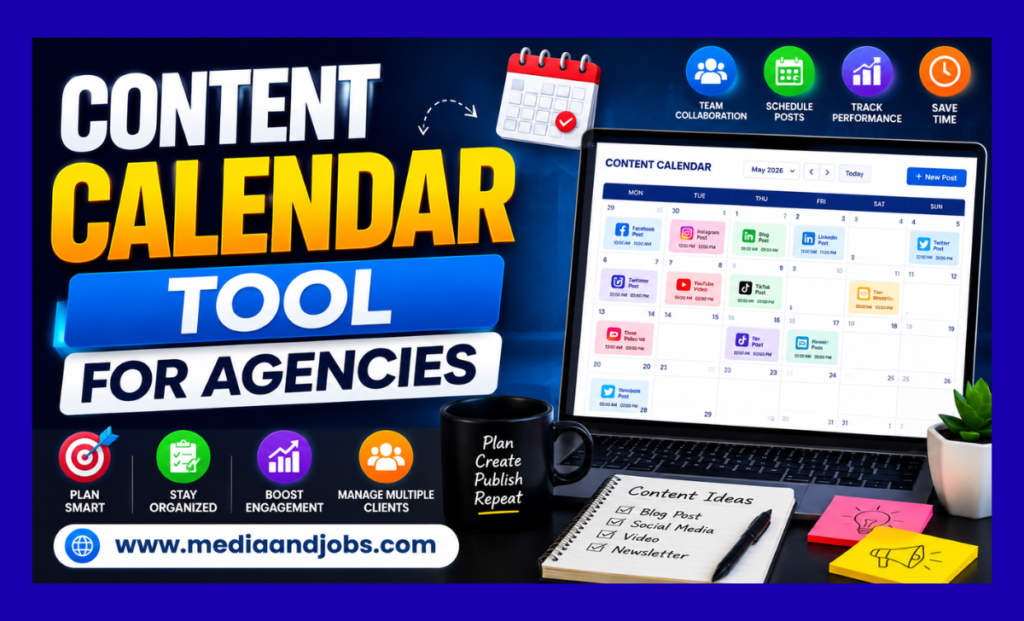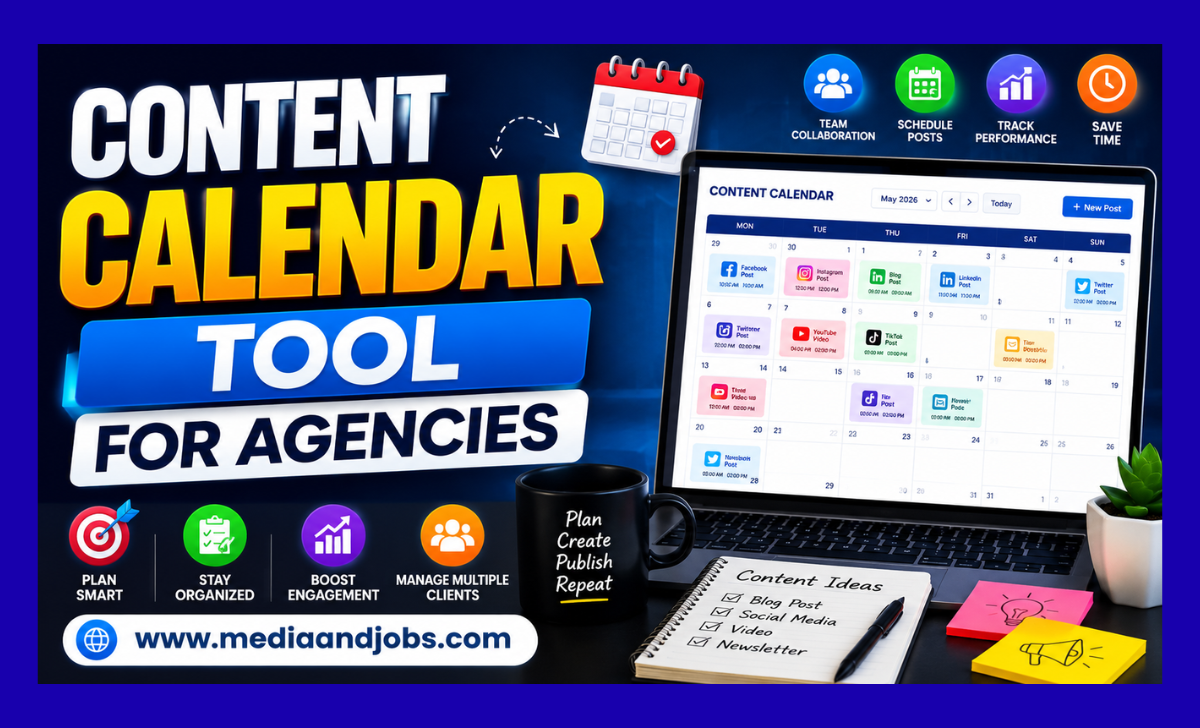
Content Calendar Tool For Agencies
Managing multiple clients, campaigns, and social media platforms is common for any digital marketing agency. If your team still relies on endless email chains, scattered Slack messages, and color-coded spreadsheets to manage it all, you may be losing billable hours to administrative hassle.
Agency Content Calendar
A dedicated content calendar tool is no longer just a “nice-to-have” luxury; it’s the operational backbone of a profitable, scalable agency. In this guide, we’ll explain why agencies are moving beyond manual systems, what features you need in a specific tool, and how the right software can transform your client relationships.
Why Spreadsheets Are Stifling Your Agency’s Growth
Many agencies start with Google Sheets or Excel because they’re free and easy to use. However, as your client list grows, spreadsheets quickly turn from a necessity to organizational support into a tangled liability. Here’s why spreadsheets ultimately fail for agency teams:
Version control issues: When multiple copywriters, designers, and account managers are working on the same document, data gets overwritten. Sending clients a “V4_Final_UPDATED.xlsx” file is unprofessional and confusing.
The problem of “invisible” content: Social media is highly visual, but spreadsheets are just text. Clients can’t see what a carousel will look like on Instagram or a thumbnail on LinkedIn by just reading a single cell. This leads to countless revisions and unmet expectations.
No native approval workflow: To get client sign-off on a spreadsheet, you typically have to email them a link, ask them to leave comments, and then manually track those comments. This fragmented process creates bottlenecks that delay publication.
Zero automation: Once a client approves a post in a spreadsheet, your social media manager still has to manually download the assets, copy the text, log into the social platform, and schedule the post. This is duplication of effort that wastes valuable time.
Essential Features in an Agency Content Calendar Tool
Not all content management platforms are the same. Many are designed for in-house teams managing a single brand. As an agency, your needs are very different. When looking at a content calendar tool, look for these specific features designed to handle multi-client workloads.
- Multi-brand workspace and asset library
Your agency needs a tool that lets you clearly separate clients into different workspaces or folders. A copywriter should be able to easily switch from a B2B tech client’s dashboard to a local bakery’s calendar. Additionally, the tool should have a separate asset library so that logos, brand kits, and approved images for client A aren’t accidentally used for client B.
- Easy Client Approval Workflow
This is perhaps the most important feature for an agency. Your content calendar should have a built-in approval system. It’s great if you can share a secure link with clients where they can view the upcoming week’s content, provide specific feedback on a post, and click “Approve” or “Reject.” The best tools let you hide internal team comments from client view, ensuring they only see a polished presentation.
- Accurate Visual Previews Across Platforms
Clients often struggle to visualize content before it goes live. A top-tier content calendar tool will generate a pixel-perfect preview of how a post will appear on a specific platform—whether it’s a Facebook timeline, an Instagram grid, or a LinkedIn feed. When clients can clearly see where line breaks are and how the image is cropped, they approve content faster and request fewer revisions.
- White-Labeling Capabilities
If you want a very professional, premium image display, look for software that offers white-labeling. This feature allows you to replace the software’s logo with your agency’s, use your brand colors, and sometimes map the portal to a custom domain. When your clients log in to approve content, it appears like a proprietary platform built specifically for your agency.
- Automated Cross-Platform Publishing
Once a client approves content, it should be automatically scheduled. Your team shouldn’t have to move content from the planning tool to a separate scheduling tool. Native integrations with major networks (Meta, LinkedIn, X, TikTok, Pinterest) are essential to simplify the journey from idea to publication.
Top Content Calendar Tools Designed for Agencies
While the market is saturated with software, some platforms are particularly known for their agency-friendly architecture.
Planable
Planable is considered one of the best tools for agencies because it was specifically designed to eliminate approval hassles. It serves as a visual staging area for social media. Clients can see content exactly as it will appear when published and provide feedback right next to the post. It’s very simple, making it easy to onboard non-technical clients who might struggle with complex software.
Co Schedule (Agency Calendar)
For agencies managing more than just social media, CoSchedule is a powerhouse. Their Agency Calendar product gives you a single view of every single client project—from blog posts and email campaigns to whitepapers and social updates. It’s ideal for full-service inbound marketing agencies that need to prove how different parts of a campaign fit together.
Loomly
Lomly is great for agencies that manage a large number of assets and require strict workflow rules. It offers robust post optimization tips, helping your team adjust character counts and aspect ratios before publishing. Loomly also offers excellent collaborative features, allowing you to create custom approval workflows tailored to each client’s team’s unique hierarchy.
monday.com or Asana
If your agency handles heavy production work (like video editing or long-form SEO content), traditional social media schedulers may not be sufficient. Project management hybrids like monday.com or Asana offer highly customizable calendar views, Kanban boards, and automation blocks. While they lack some native publishing features, their ability to track a piece of content from a raw idea to a final deliverable across multiple departments is unmatched.
The Hidden ROI of Upgrading Your Agency’s Software
Upgrading to a paid content calendar tool requires a financial investment, but the return on investment (ROI) is rapid in several areas of your business:
- Regaining Billable Capacity
Think about how much time your account managers spend copying and pasting content into emails, getting approvals over the phone, and manually moving files between folders. A dedicated tool automates these administrative tasks. Saving just five hours a week for each account manager frees them up to focus on high-level strategy rather than on acquiring more clients or data entry.
- Reducing Client Attrition
Clients leave agencies when they feel isolated from the process or when mistakes occur. A visual, easy-to-use content calendar builds trust. It provides complete transparency, showing clients exactly what they’re paying for. When a client has a smooth, professional experience reviewing and approving their content, they’re more likely to renew their retainer.
- Prevent Costly Mistakes
Publishing posts with typos, incorrect client logos, or broken links damages your agency’s reputation. By centralizing workflow and forcing content through a strict approval gate, calendar tools significantly reduce the scope for human error. Grid previews ensure that formatting issues are caught before content goes live.
Final Thoughts: Making the Change
Moving your agency from an outdated system or spreadsheet to a dedicated content calendar tool is a strategic step toward maturity. When implementing new software, start by transitioning one or two of your most tech-savvy clients first. Use them to beta-test your new approval workflow and iron out any kinks before rolling out the platform to your entire client base.
Ultimately, the best content calendar tool is one that removes friction from your team’s day, makes your clients feel included, and allows your agency’s creativity to take center stage without getting bogged down in logistical hassles. Invest in the right infrastructure today, and your agency will be ready to scale easily tomorrow.