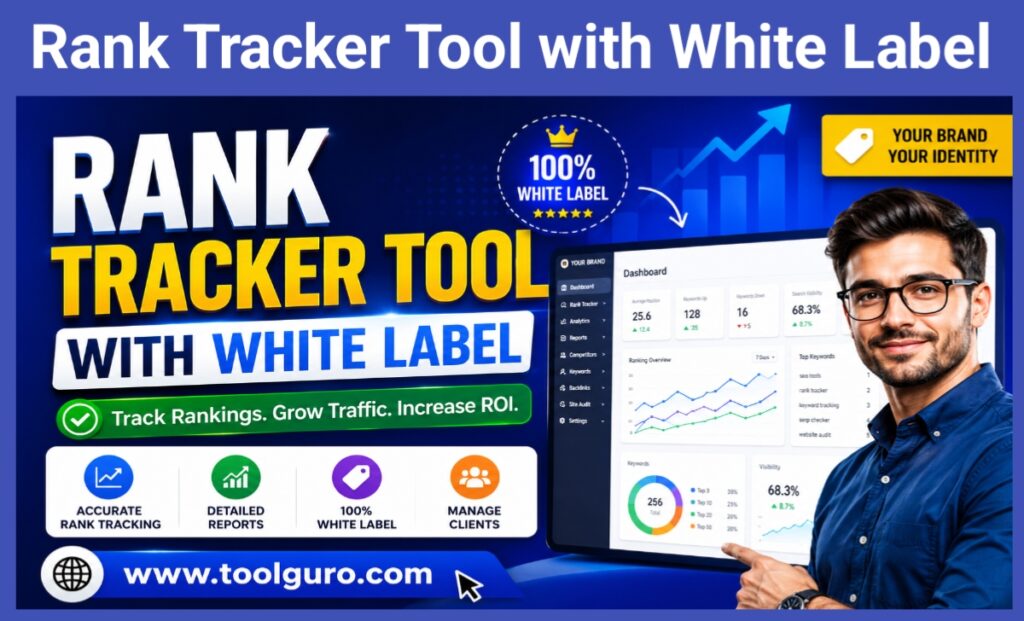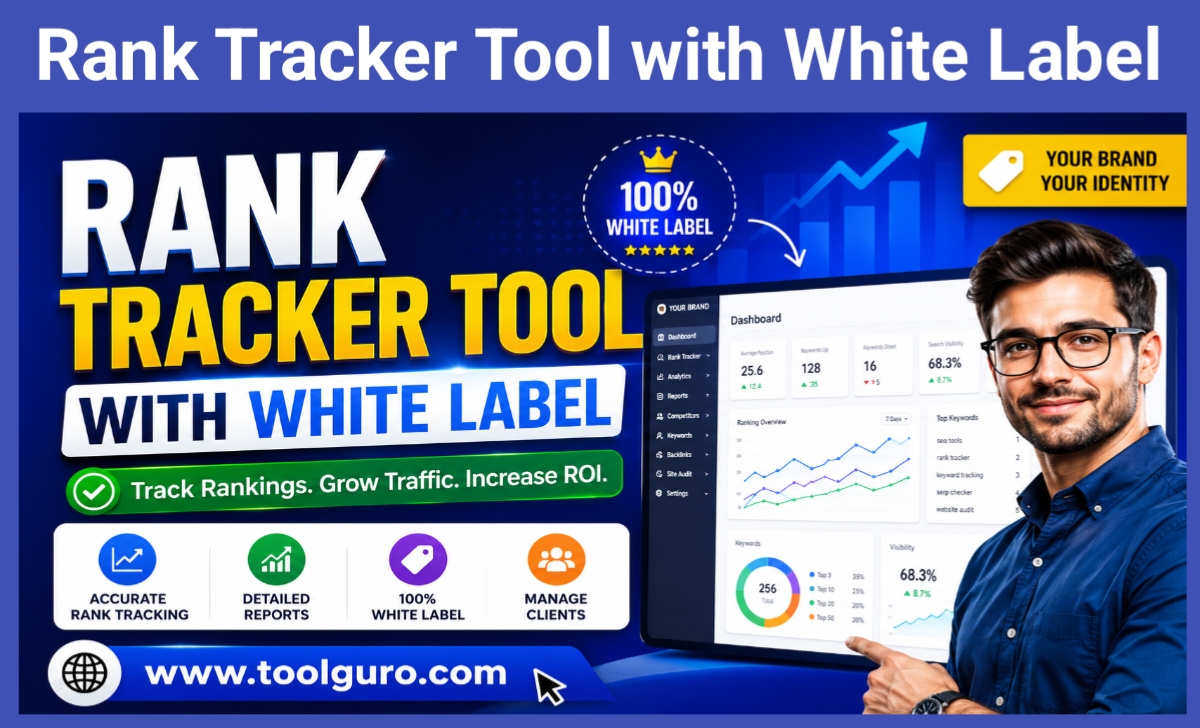
Rank Tracker Tool with White Label
White-Label Rank Tracker
Generate branded client dashboard codes (HTML & PHP)
Generated Codes
<!-- Fill out details to generate HTML -->
<!-- Fill out details to generate PHP -->
The Ultimate Guide to Finding the Best Rank Tracker Tool with White Label Features 2026
Lets be totally honest: In the highly competitive world of search engine optimization (SEO) your data is only as good as your ability to present it. You can spend countless hours optimizing a clients website building high quality back links & improving their content but if you give them a confusing unbranded spreadsheet at the end of the month they greatly diminish the value of your work.
That’s where a rank tracker tool with white label capabilities comes in. It bridges the gap between raw, complex SEO data and a polished, professional client experience. Throughout this guide, we’ll delve into what these tools are, why they’re a game-changer for agencies and freelancers, and how you can use them to grow your business, build unwavering client trust, and dominate your niche. Rank Tracker Tool with White Label
What is a white-label rank tracker tool?
To understand the immense value of this software, we need to break it down into two parts. First, Rank Tracker is a specialized tool that monitors where a website ranks on search engines (like Google, Bing, or Yahoo) for specific target keywords over time.
The “white label” aspect is where the magic happens. White-label Rank Tracker allows you to remove the software provider’s branding, logo, and domain name and replace them entirely with your agency’s identity. Your clients feel as if you’ve invested thousands of dollars in creating a proprietary, high-tech tracking dashboard specifically for them.
Key Benefits for Agencies and Freelancers
When you humanize your agency’s approach and provide a seamless experience, clients stay with you longer. Here are the key benefits:
Instant authority and brand recognition: Offering beautifully branded reports makes you appear as a premium, established agency rather than a newcomer.
Improved client retention: Transparency builds trust. When clients can log into a portal with your logo and see their rising rankings, they’re less likely to abandon clients.
Significant time savings: Forget manually copying and pasting ranking positions into Excel. Automated reporting frees you up to do what you do best: real SEO work.
Premium pricing power: Agencies that present data professionally can often charge higher retainer fees because the perceived value of their services is significantly higher.
Key features to look for in a premium rank tracker
Not all SEO tools are the same. If you’re going to put your agency’s name on software, it needs to work flawlessly.
Special Capabilities You Can’t Ignore
When you’re looking for the right platform, you need to look beyond just price. Your reputation is at stake.
Accuracy and Localization
Search results are highly personalized based on the searcher’s physical location. A top-tier tool should offer hyper-local tracking—down to the city or ZIP code level. If your client is a local plumber in Chicago, knowing their national ranking isn’t helpful; you need to know their location in Chicago.
Automated, Customizable Reporting
You should be able to set up reports once and let the software do the heavy lifting. Look for drag-and-drop report builders that allow you to add your logo, choose your brand colors, and schedule automated emails from your agency’s email address (via SMTP integration).
Standard vs. White Label Trackers: A Direct Comparison
To make things crystal clear, let’s look at how a standard tracker compares to a white-label solution.
| Feature Category | Standard Rank Tracker | Rank Tracker Tool with White Label |
| Login Portal | Hosted on the software’s domain (e.g., app.seotool.com) | Hosted on your custom domain (e.g., clients.youragency.com) |
| Branding | Displays the software provider’s logo | Displays your agency’s logo and color scheme |
| Email Reports | Sent from “noreply@seotool.com” | Sent directly from “reports@youragency.com” |
| Client Access | Usually requires sharing your master login | Individual, restricted client accounts with custom dashboards |
| Perceived Value | Client knows you are using third-party tools | Client believes you have proprietary agency technology |
Supercharge Your Strategy with the Web Master Digital Pro Toolkit
Having a reliable rank tracker is just one piece of the SEO puzzle. To truly deliver impressive results, modern SEO professionals need a comprehensive suite of utilities that can handle everything from website audits to keyword research and backlink analysis.
This is where integrating powerful external resources becomes crucial. For agencies looking to expand their arsenal, using the Web Master Digital Pro Toolkit, available at https://toolguro.com/, provides a significant competitive edge. By combining a dedicated white-label ranking dashboard with a robust toolkit, you can quickly diagnose site issues, uncover hidden keyword opportunities, and ultimately work more effectively for your clients. Having all your digital marketing tools together means fewer interruptions to your workflow and better results for your clients. Rank Tracker Tool with White Label
Step-by-Step Guide: Implementing Your Rank Tracker Tool with White Labeling
Starting your branded dashboard may seem technical, but most modern platforms have made the process very user-friendly. Here’s how to set it up:
Step 1: Choose your platform: Choose a tracker that offers full white-labeling (including custom domains and SMTP), not just logo uploads.
Step 2: Configure your CNAME record: Log in to your domain registrar (like GoDaddy or Namecheap) and create a CNAME record. Point a subdomain like tracking.yourwebsite.com to Rank Tracker’s servers.
Step 3: Customize the aesthetics: Upload your high-resolution agency logo, choose your exact hex codes for brand colors, and customize the login screen.
Step 4: Set up SMTP settings: Connect your agency’s email server so that all automated alerts and PDF reports are sent directly from your professional email address.
Step 5: Onboard your clients: Create separate user profiles for your clients. To keep things clean and confidential, give them access only to their specific project data.
Cost vs. Value Analysis of White-Labeling
Many new freelancers are concerned about the additional cost of white-label features. Let’s use a quick table to understand the return on investment (ROI).
| Approach | Initial Cost | Maintenance Time | Professional Impact | Long-Term ROI |
| Manual Spreadsheets | Free | High (Hours per month) | Low (Looks amateurish) | Negative (Lost clients) |
| Building Custom Software | $15,000+ | High (Bug fixes, server costs) | High (Fully custom) | Low (Takes years to recoup) |
| White-Label SaaS Tool | $50 – $200/mo | Low (Fully automated) | High (Looks proprietary) | High (Retains high-paying clients) |
Avoid these common mistakes when tracking rank
Even with the best software, human error can creep in. Avoid these common mistakes:
Focusing on daily fluctuations: Google’s algorithm changes daily. Teach your clients to look at month-to-month trends instead of panicking over a two-position drop on Tuesday.
Tracking too many useless keywords: Focus on keywords that actually drive revenue and conversions, not just high-volume, cosmetic metrics.
Ignoring search intent: Make sure the pages you’re tracking actually match what the user is looking for (informational, navigational, or transactional). Rank Tracker Tool with White Label
Frequently Asked Questions (FAQs)
Q1: Why is a white-label rank tracker tool so important for a new SEO agency?
It’s all about building trust immediately. When you’re a new agency, you need to appear as established as possible. Presenting a professional, branded portal makes clients feel secure in their investment, helping you justify your monthly retainers and compete with much larger marketing firms.
Q2: Is it difficult to set up a custom domain (CNAME)?
Absolutely not. Although it sounds like developer language, adding a CNAME record within your domain hosting account typically takes about three minutes. Most rank tracking software offers step-by-step documentation or customer support to help you with this.
Q3: Will white-labeling slow down the software or impact data accuracy?
No. The white-label feature is purely cosmetic. It acts like a visual “skin” over the software’s existing, powerful architecture. You’ll get the same high-speed, accurate data as you would using the standard, unbranded version.
Conclusion
In today’s digital environment, delivering excellent SEO results is only half the battle. The other half is communicating those results effectively, professionally, and consistently. Relying on complicated spreadsheets or generic third-party reports undermines your authority and the hard work you’ve put into your campaign.
By investing in a reliable white-label rank tracker tool, you’re not just buying software; you’re investing in your agency’s brand identity. You’re simplifying your workflow, securing client loyalty, and establishing yourself as a premium service provider in a crowded market. Combine this professional presentation with the powerful utilities found in the Web Master Digital Pro Toolkit at https://toolguro.com/, and you’ll have everything you need to take your SEO business to new heights. Go ahead, brand your data, and watch your agency thrive.