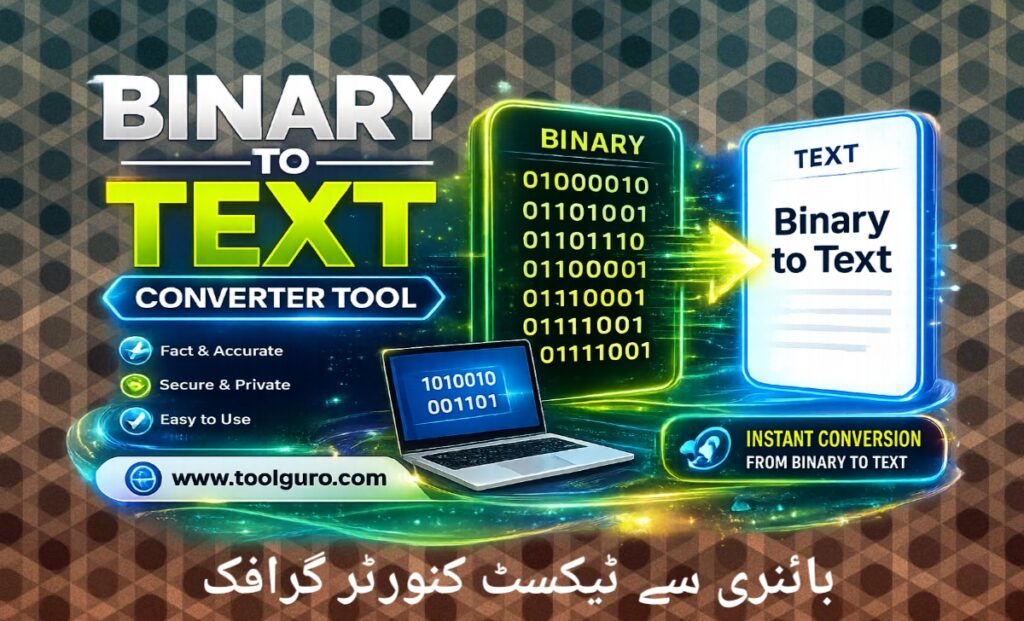
Binary to Text Converter Tool
The Ultimate Guide to Binary to Text Converter Tools: Making Computer Code Easier for Humans
Have you ever opened a file and found a never-ending line of zeros and ones? Or perhaps you’re a computer science student trying to decipher machine code, a developer debugging a low-level data stream, or a cybersecurity hobbyist decoding a hidden message.
In the digital world, everything we see—from this article to high-definition video—is ultimately reduced to a series of binary digits: 0 and 1. However, humans do not speak binary. This is where Binary to Text Converter tool becomes a necessity.
In this complete guide, we’ll learn everything you need to know about binary codes, how translation works, why you need a conversion tool, and how to use the Web Master Digital Pro Toolkit at https://toolguro.com/ to bridge the gap between human language and machine logic.
Understanding the Basics What is Binary Code
Before we understand how a conversion tool works, it’s important to understand what binary code actually is and why computers rely so heavily on it.
What does “binary” mean?
The word “binary” comes from the Latin prefix bi-, meaning two. In mathematics & digital electronics the binary system is a base (2) numerical system. Unlike the everyday decimal system (which is base-10 and uses the digits 0 to 9), the binary system uses only two symbols: 0 (zero) and 1 (one).
Why do computers use binary?
Basically, computers run on billions of tiny electronic switches called transistors. These switches can only be in one of two physical states:
OFF: Shown by the number 0 (no electrical current is flowing).
ON: Shown by number 1 (electric current is flowing).
Because microprocessors can process these electrical signals at lightning speed, by combining millions of basic 0’s and 1’s, computers can perform complex calculations, run operating systems, display graphics, and store vast amounts of data.
Understanding the structure of binary data
To understand how a binary to text converter tool converts code into readable words, we need to look at how binary digits come together to form functional information.
Bits, Bytes and Characters
Bit: The smallest unit of data in a computer, which represents a 0 or 1.
Byte: Group of 8 bits. A byte is the standard unit used to represent one character of text (such as a letter, number, or punctuation mark). For example, the binary string 01000001 is equivalent to one byte.
Nibble: A lesser-known term that represents 4 bits (half a byte).
Role of Encoding To Standard
Series of 0’s & 1’s mean nothing unless there is a rulebook for understanding them. This rulebook is called an encoding standard. The two most common encoding standards used to translate binary to text are ASCII and UTF-8.
- ASCII (American Standard Code for Information Interchange)
Developed in the 1960s, ASCII maps 128 special characters to unique 7-bit or 8-bit binary numbers. It includes the English alphabet (both uppercase and lowercase), digits 0-9, and basic punctuation marks.
- UTF-8 Unicode Transformation Format
As the Internet became global ASCII’s limited character set was no longer sufficient. UTF 8 was created to support emoji mathematical symbols & non-Latin alphabets such as Arabic, Chinese, and Cyrillic. UTF-8 is backward-compatible with ASCII, but can use up to 4 bytes per character to accommodate over 140,000 different symbols.
What is a binary to text converter tool?
A binary to text converter tool is a digital utility designed to automate the translation process between binary code strings and human-readable text. Instead of manually mapping each 8-bit block using mathematical formulas or reference charts, users can simply paste their code into the tool and receive an instant translation.
Key Features of Premium Conversion Tools
When using a high-quality platform like the Web Master Digital Pro Toolkit at https://toolguro.com/, you can expect these features:
Instant real-time conversion: Data is translated immediately upon pasting.
Support for multiple formats: Handles standard 8-bit spaces, comma-separated values, or continuous binary strings.
Two-way functionality: Most tools allow you to convert text back to binary code just as easily.
Clear user interface: Clutter-free, making it easy for both beginners and professionals.
How does a binary to text converter tool work?
The manual process of converting binary to text involves converting a base-2 number to base-10, and then looking up that decimal number in an ASCII table. A binary to text converter tool completes these steps behind the scenes in microseconds.
Step-by-Step Translation Logic
- Input Parsing: The tool reads the input string and identifies individual bytes (groups of 8 digits), removing any unnecessary spaces or delimiters.
- Binary to Decimal Conversion: Each 8-bit block is mathematically calculated to determine its decimal value.
- Character Mapping: The tool cross-references the decimal value with an encoding standard (such as ASCII or UTF-8).
- Output Rendering: The resulting characters are compiled one by one and displayed as readable text on the user’s screen.
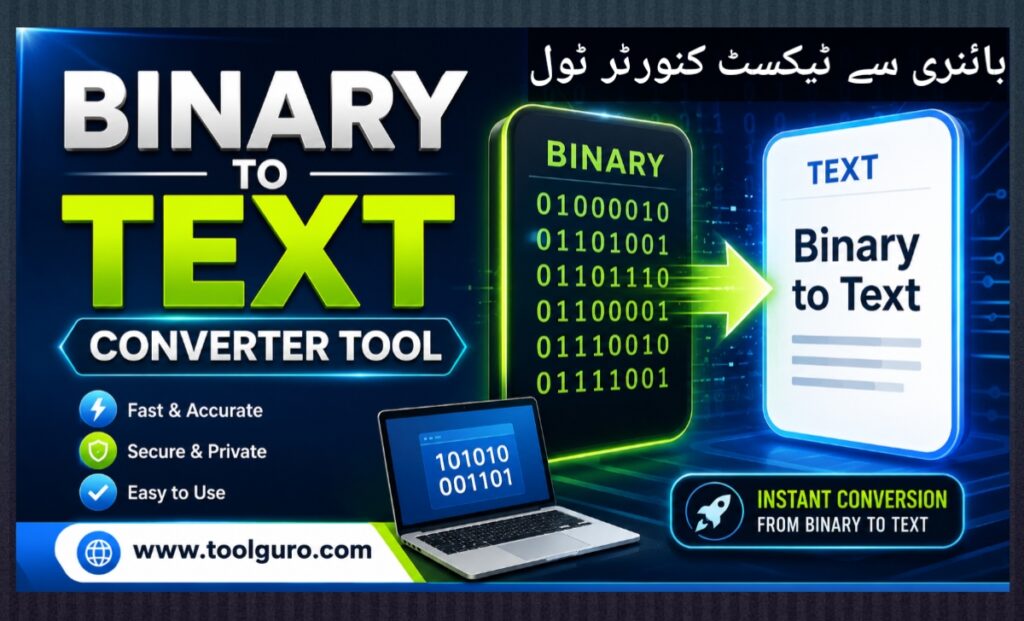
The Mathematical Formula Behind the Scenes
To manually convert a binary byte to a decimal number, you calculate the sum of each digit by multiplying it by 2 to the power of its position index (starting from 0 on the right).
| Binary Position (Right to Left) | 7 | 6 | 5 | 4 | 3 | 2 | 1 | 0 |
| Power of 2 ($2^x$) | 128 | 64 | 32 | 16 | 8 | 4 | 2 | 1 |
Binary Digits for ‘B’ (01000010) | 0 | 1 | 0 | 0 | 0 | 0 | 1 | 0 |
| Calculation | 0 | 64 | 0 | 0 | 0 | 0 | 2 | 0 |
Adding the values together:
$$64 + 2 = 66$$
According to the ASCII table, the decimal number 66 corresponds to the uppercase letter B.
Imagine doing this manually for an entire paragraph! A Binary to Text Converter Tool eliminates this tedious math instantly.
Binary to Text And Text To Binary Converter Tool 👇👇👇
Common Use Cases: Who Needs a Binary Converter?
While it may seem like a niche concept, binary conversion is used in a variety of professions and hobbies.
Software engineers and web developers: Debugging low-level network packets, analyzing file headers, or investigating corrupted data streams.
Students and teachers: Computer science students use these tools to check their homework and verify their manual mathematical translations.
Cybersecurity professionals and ethical hackers: Decoding malicious scripts, reverse-engineering software, or CTF (Catch the Flag) competition puzzles.
Geeks and puzzle solvers: Creating or decrypting Easter eggs, hidden messages in video games, or secret notes shared in online forums.
Comparison Table: Common Characters and Their Binary Representations
To give you a quick cheat sheet, here’s what basic English characters and numbers look like when converted to 8-bit binary code blocks.
| Character | Decimal Value (ASCII) | 8-Bit Binary Representation |
| A | 65 | 01000001 |
| B | 66 | 01000010 |
| C | 67 | 01000011 |
| a | 97 | 01100001 |
| b | 98 | 01100010 |
| 1 | 49 | 00110001 |
| 2 | 50 | 00110010 |
| ? | 63 | 00111111 |
| Space | 32 | 00100000 |
Step-by-Step Guide: How to Use the Binary to Text Tool on ToolGuro
Converting data using the Web Master Digital Pro Toolkit is designed to be as easy as possible. Follow these simple steps:
Step 1: Visit the Website
Open your favorite web browser and go to https://toolguro.com/. Find the Binary to Text Converter tool from the main dashboard or Utilities menu.
Step 2: Paste Your Binary Code
Copy the string of 0s and 1s you want to decode. Paste the data directly into the designated input box. Ensure your binary sequences are space-separated or clearly formatted as bytes for the most accurate results.
Step 3: Click Convert
Press the Convert buttons. The algorithm will immediately parse the base-2 data.
Step 4: Copy Your Text Output
The translated English text will immediately appear in the output box below. You can highlight and copy text manually, or use the handy “Copy to Clipboard” button to save time.
Frequently Asked Questions (FAQs)
What if my binary data contains letters or spaces?
A standard converter requires a clean stream of 0s and 1s. If letters or symbols accidentally appear in your input, the tool may return an error or create broken, unreadable text. Make sure you remove all non-binary characters before running the conversion.
Is there a difference between 8-bit and 16-bit binary conversion?
Yes. Most everyday text uses 8-bit blocks (ASCII/UTF-8). However, more complex computer systems or localized languages may use 16-bit or 32-bit grouping. Advanced tools within the Web Master Digital Pro Toolkit let you adjust settings based on your exact encoding needs.
Can the binary converter translate files like images or PDFs to text?
No. While images & PDFs are stored in binary format on the hard drive converting their raw binary streams into text will only result in a jumbled unreadable mess of random symbols. This is because those files represent pixel, vector, and formatting metadata instead of plain alphanumeric text characters.
Is my data safe when using online conversion tools?
When using reputable platforms like https://toolguro.com/, your data is very secure. Processing is optimized for maximum security, which means your data is not saved or shared with third parties. However, as a rule of thumb for any online tool, avoid pasting highly confidential data, such as unencrypted passwords or proprietary keys, into public web forms.
Conclusion
At first glance, binary code seems like a difficult language to understand, made only for machines and Hollywood hackers. But in reality, it’s simply a logical system of communication built on basic arithmetic.
Whether you’re trying to decode a strange string for a class project, debug a software feature, or simply understand the inner language of the internet, the Binary to Text Converter tool takes the hassle out of the equation.
By harnessing the power of the Web Master Digital Pro Toolkit at https://toolguro.com/, you get free access to a reliable, secure, and instant translation assistant. Bookmark the tool today, and never let a wall of zeros and ones slow down your productivity again!